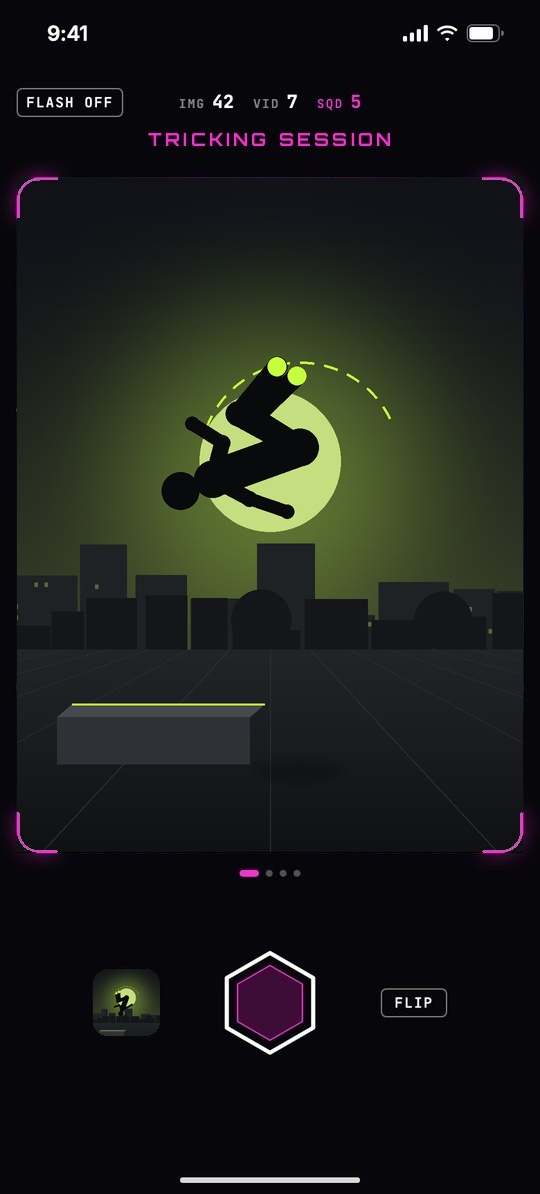
01 · Capture
Shoot into your event
Tap for a photo. It goes straight into your current folder, never your camera roll, and the counts up top show what you’ve got.
 STASHCAM
Shoot trick videos or anything else. Every photo and video is saved in StashCam’s own gallery, so your main gallery stays clean.
SEPARATE GALLERY · OFF YOUR CAMERA ROLL · FOLDERS FOR EVERYTHING
01 · Capture
Tap for a photo. It goes straight into your current folder, never your camera roll, and the counts up top show what you’ve got.
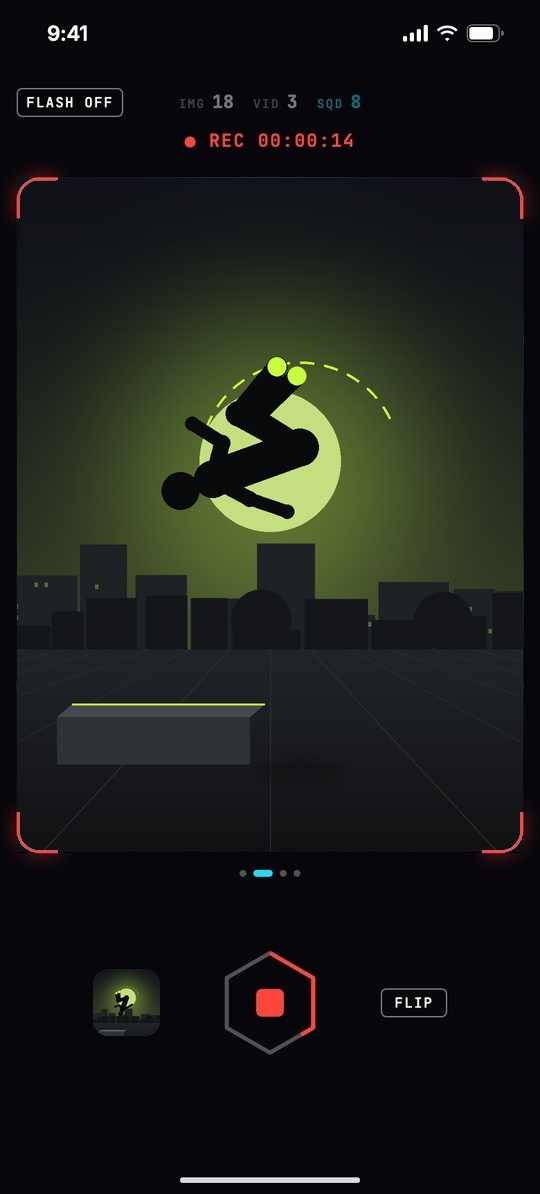
02 · Record
Keep your thumb on the shutter for video. The frame turns red and the timer runs. Let go to stop.
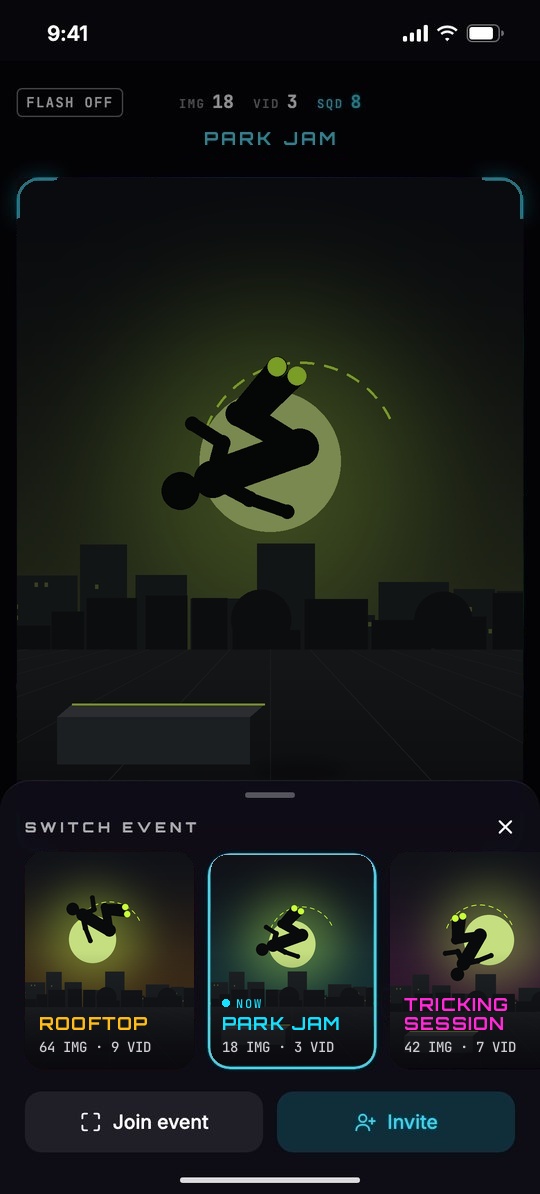
03 · Switch
Swipe across the preview or open the deck to change events. Each one has its own color, so you always know where your shots are going.

04 · Invite
Show your QR code. Friends scan it in StashCam and they’re in the same event.
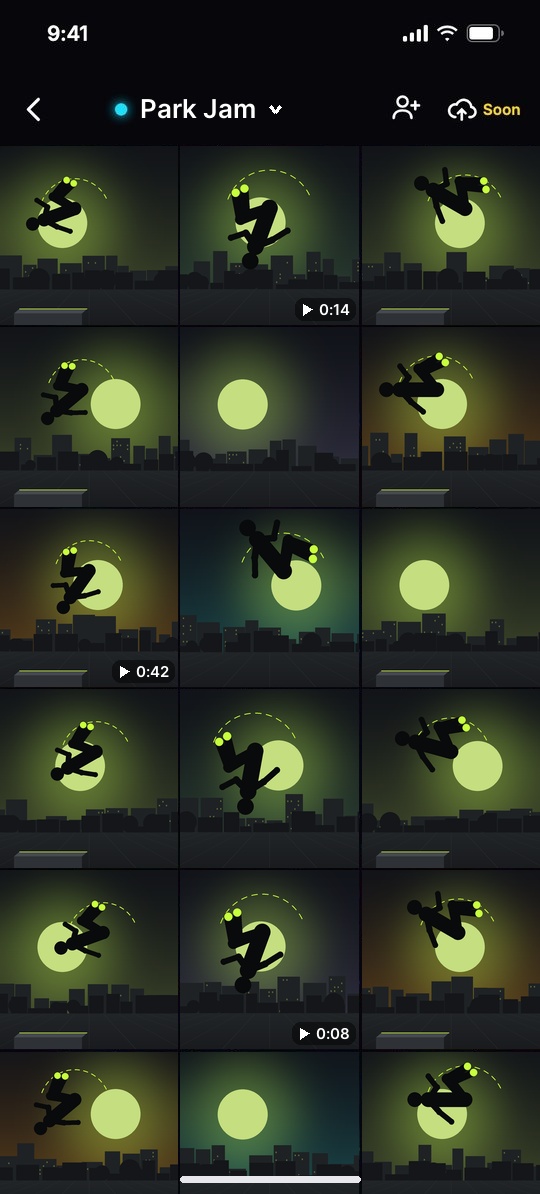
05 · Relive
Each folder holds its own photos and videos, kept apart from everything else on your phone.